Is it possible to copy a MIFARE proximity card?
Organization of NFC MIFARE 1k card memory
The standard memory of the MIFARE 1k card has 1024B of memory divided into 16 sectors, each of 4 blocks with a capacity of 16B. Each sector, consisting of 4 blocks of memory, contains:
- 3 data blocks [0 .. 2], intended for data storage
- 1 configuration block [3], containing the access configuration to a given sector
In the configuration block, data is stored as follows: KA + ACB + KB, where:
KA – access key Key_A
KB – Key_B access key
ACB – Access Controll Bits – configuration defining what operations can be performed using both access keys
The exception to the above configuration is the first memory sector, which in the first block contains data consisting of:
- UID card serial number
- checksum UID number
- card manufacturer code
The above data is saved during the production of proximity cards and cannot be modified.
MIFARE 1k NFC card identification
Many practical applications of MIFARE Classic cards involve reading the UID value for identification purposes. The unique card identifier is associated with the identified person or item in the IT system. The inability to copy the card's UID number makes it impossible to copy (clone) proximity cards.
Copying MIFARE S50 proximity cards
Copying proximity cards is possible thanks to the use of
NFC MIFARE cards
, whose first memory block can be modified.
Cards
these allow you to clone factory data stored on a standard card.
It is worth remembering that in order to copy the value of the selected sector of the MIFARE 1k card, we must know the value of the access key that allows reading the stored data.
When purchasing
MIFARE cards enabling data recording in the first memory block
, and therefore modification of the card's UID, we provide software for
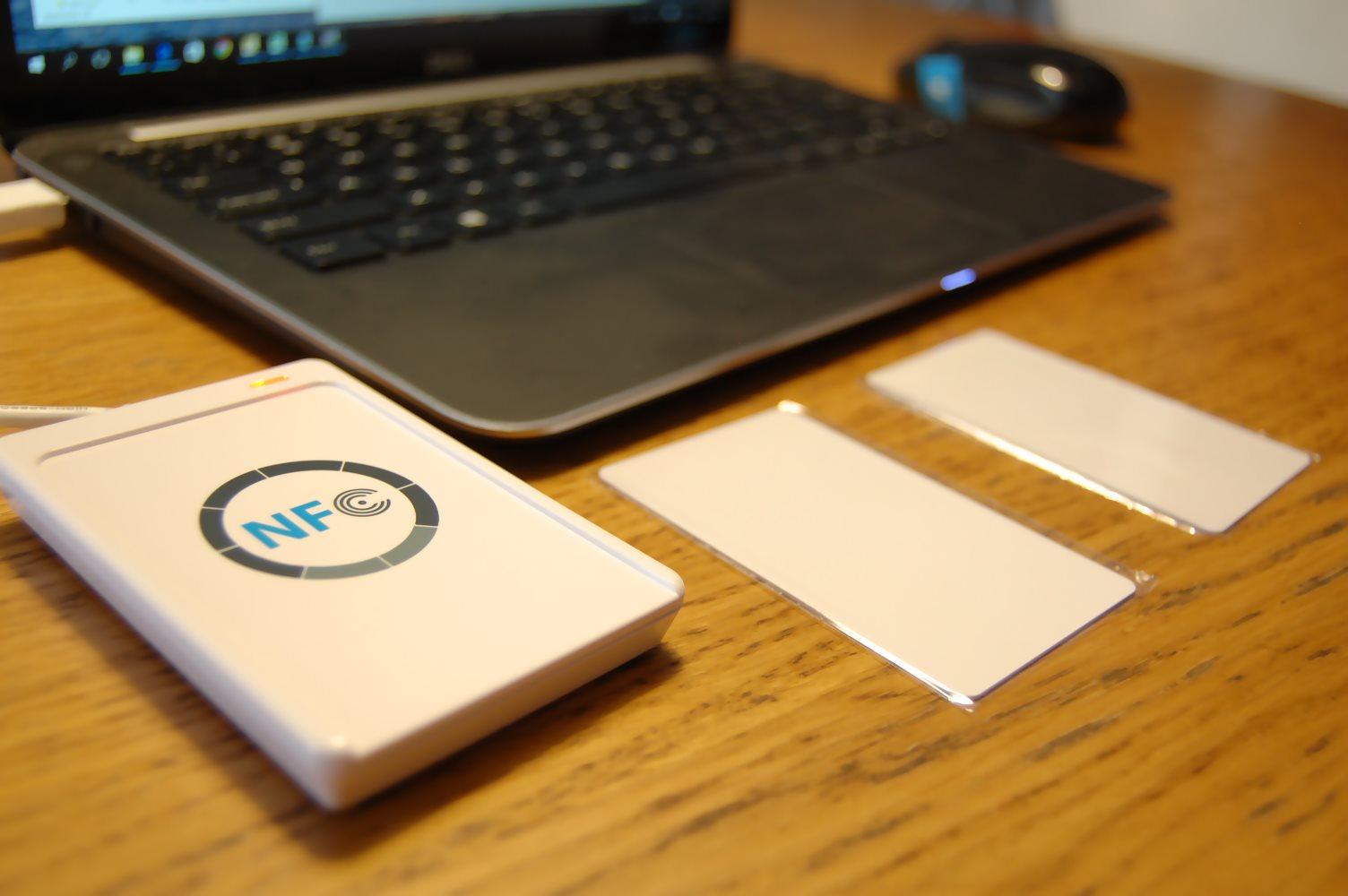
ACR122U programmer
enabling:
- copying the contents of the Mifare 1k card to a file
- restoring the contents of the file on
fully programmable MIFARE card